Boolean Expressions and If Statements
The if/else statement extends the if statement by specifying an action if the if (true/false expression) is false.
With the if statement, a program will execute the true code block or do nothing. With the if/else statement, the program will execute either the true code block or the false code block so something is always executed with an if/else statement.
// if (score >= 90)
//   grade = 'A';

int score = 92;

if (score >= 90)
    System.out.print("A");
int a = 1;

if (a >= 0)
    System.out.print("Number is positive\n");
else
    System.out.print("Number is negative\n");
The if/else if statement allows you to create a chain of if statements. The if statements are evaluated in order until one of the if expressions is true or the end of the if/else if chain is reached. If the end of the if/else if chain is reached without a true expression, no code blocks are executed.
if (condition) { multiple statements } else single statement
if (condition) { multiple statements } else { multiple statements }
elseif, as its name suggests, is a combination of if and else. Like else, it extends an if statement to execute a different statement in case the original if expression evaluates to false. However, unlike else, it will execute that alternative expression only if the elseif conditional expression evaluates to true.
int a = 1;
int b = 2;

if (a > b) {
    System.out.print("a is bigger than b");
}
else if (a == b) {
    System.out.print("a is equal to b");
}
else {
    System.out.print("a is smaller than b");
}
Add to lesson switch-case
- Create and if-elseif-elseif-elseif-else statement, 5 or more conditions.
- Covert the 5 or more decisions to a switch-case-case-case-case-otherwise.
- Make a markdown block before each code example
- Comment/establish a style of comments for your if-elseif and switch-case code blocks
// attempt to create an if-elseif-elseif-elseif-else statement, 5 or more conditions, but failed
int a = 1;
int b = 2;
int c = 3;

if (a > b && a > c) {  // && means and
    System.out.print("a is the largest number");
}

else if (b > c && b > a) {
    System.out.print("b is the largest number");
}

else if (c > b & c > a) {
    System.out.print("c is the largest number");
}
//Create and if-elseif-elseif-elseif-else statement, 5 or more conditions.
//Example 1

int grade = 77;

if (grade >= 90){
    System.out.print("Amazing job! You got an A");
}

else if (grade >= 80){
    System.out.print("Good! You got a B");
}

else if (grade >= 70){
    System.out.print("Need to work harder! You got a C");
}

else if (grade >= 60){
    System.out.print("Ah oh. You should put more effort. You got a D");
}

else {
    System.out.print(":(");
}
// Create and if-elseif-elseif-elseif-else statement, 5 or more conditions.
// Example 2

int day = 5;

if (day == 7){
    System.out.println("Sunday");
}

else if (day == 1) {
    System.out.println("Monday");
}

else if (day == 2) {
    System.out.println("Tuesday");
}

else if (day == 3) {
    System.out.println("Wednesday");
}

else if (day == 4) {
    System.out.println("Thursday");
}

else if (day == 5) {
    System.out.println("Friday");
}

else {
    System.out.println("Saturday");
}
// Covert the 5 or more decisions to a switch-case-case-case-case-otherwise.
// For example 2

int day = 5;

switch(day) { //switch between the day variable

case 7:
    System.out.println ("Sunday"); // if day=7, do this line of code
    break;
case 1:
    System.out.println ("Monday"); // if day=1, do this line of code
    break;
case 2:
    System.out.println("Tuesday");
    break;
case 3:
    System.out.println ("Wednesday");
    break;
case 4:
    System.out.println("Thursday");
    break;
case 5:
    System.out.println("Friday");
    break;
case 6:
    System.out.println ("Saturday");
    break;

}
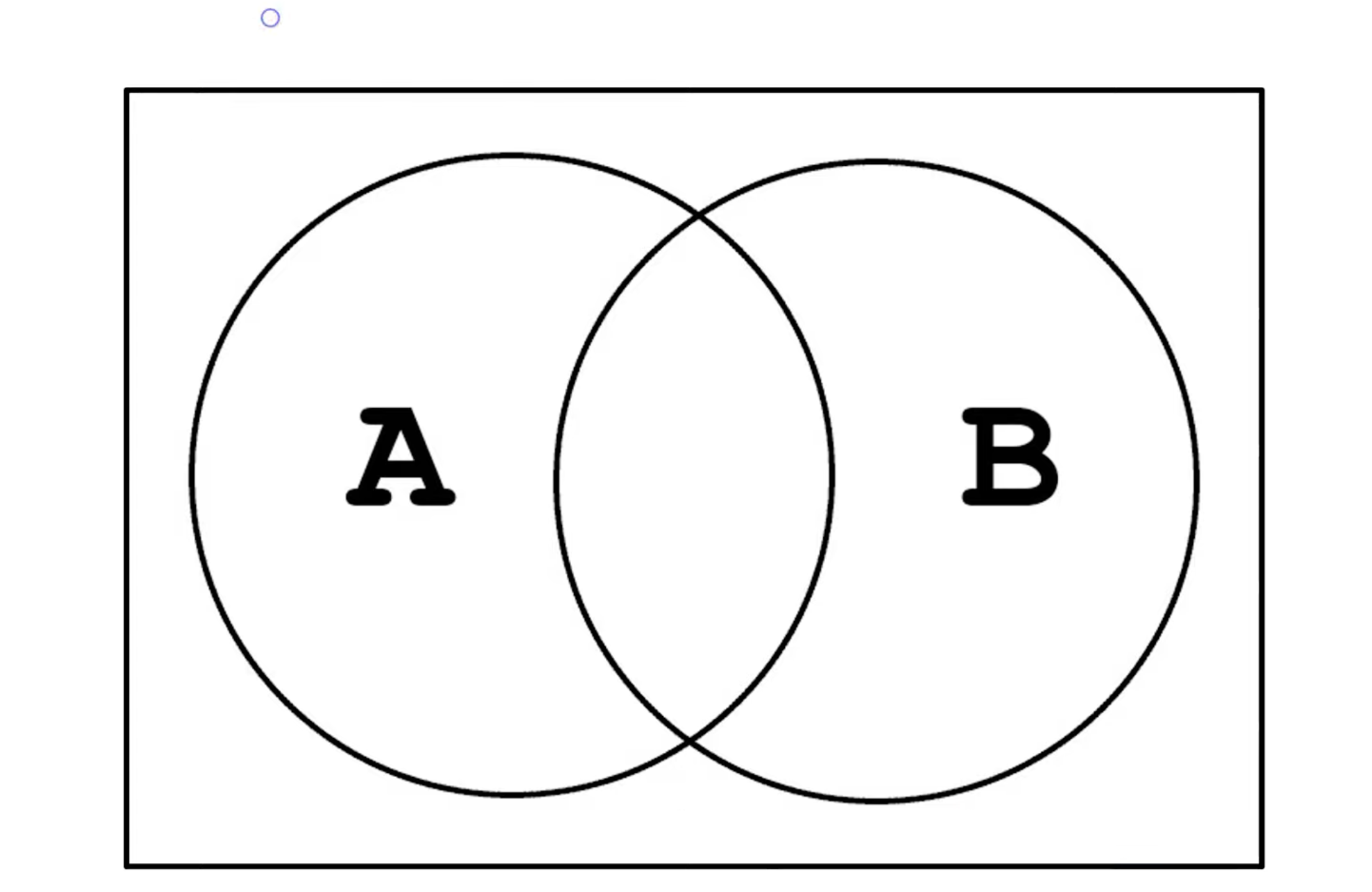
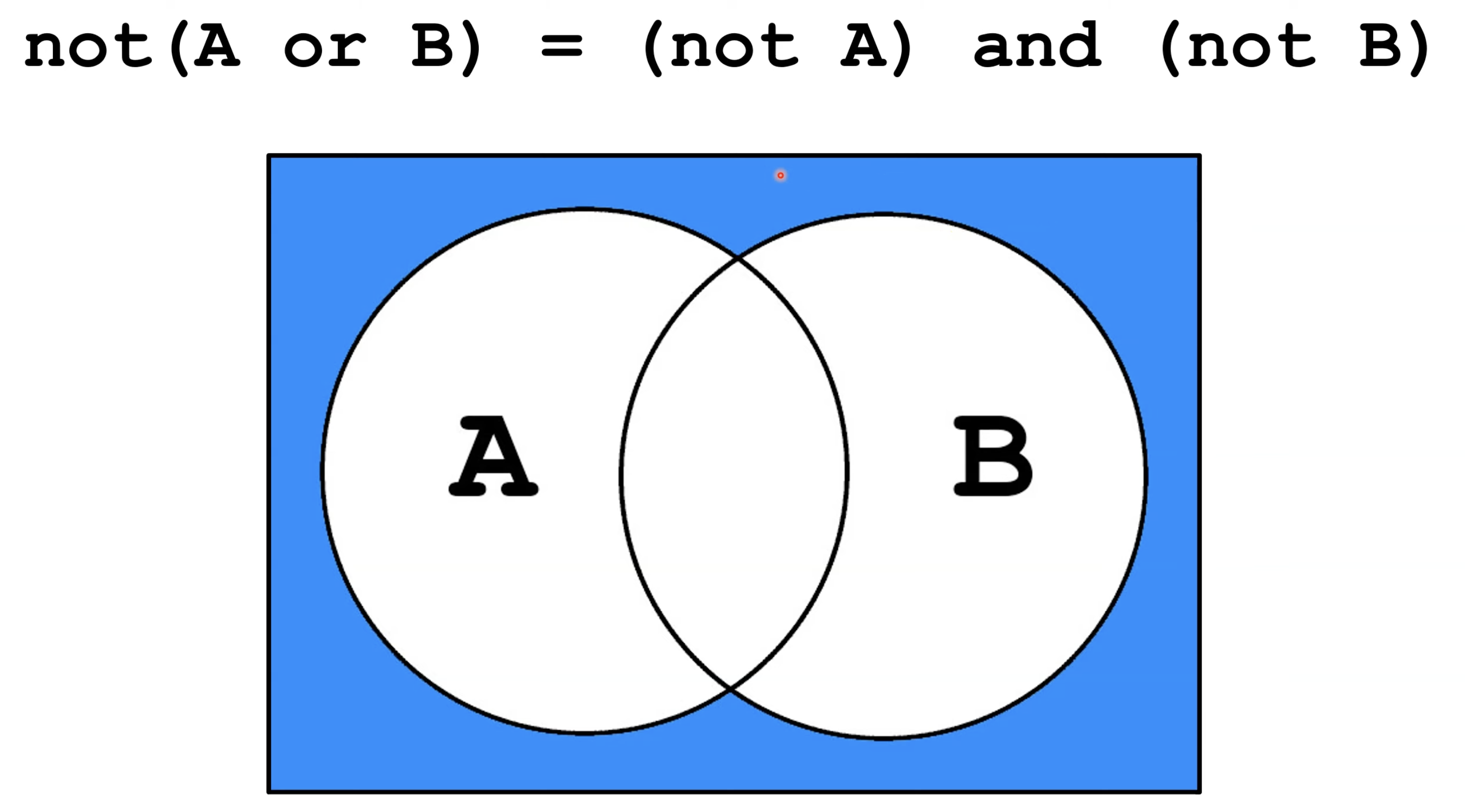
ccording to De Morgan's Law, the complement of the union of two sets will be equal to the intersection of their individual complements. Likewise, the complement of the intersection of two sets will be equal to the union of their individual complements.
Example: !(a || b) == !a && !b not (A or B) = not A and not B "I don't like chocolate or vanilla" = "I do not like chocolate and I do not like vanilla"
They show how to handle the negation of a complex conditional, which is a conditional statement with more than one condition joined by an and (&&) or or (||), such as (x < 3) && (y > 2).
The negation modifies each conditional as shown below.
< becomes >=
"> becomes <="
== becomes !=
<= becomes >
">= becomes <"
!= becomes ==
// using De Morgan's Law, outputs are the same
int x = 2;
int y = 2;
     System.out.println(!(x < 3 && y > 2));
     System.out.println(x >= 3 || y <= 2); // < becomes >=; > becomes <=; and && becomes ||
// if not use De Morgan's Law correctly, you will get different outputs
int x = 2;
int y = 2;
     System.out.println(!(x < 3 && y > 2));
     System.out.println(x >= 3 || y < 2);    // > should become <=